dsh-automation-suite

Your Automation
Programming Copilot

Put engineering effort where it counts.
Leave the rest to your AI partner.
Capability map hover a term
* on the roadmap, not shipped yet

A DeepSeek Harness distribution built for industrial automation
Feel free to customize it with your own plugins.

It bundles a set of core plugins that extend the agent with industrial-automation capabilities — TIA Portal access, an engineering knowledge graph, Git and PLCSIM.

Collaborate with AI

Know your project, help with your work.
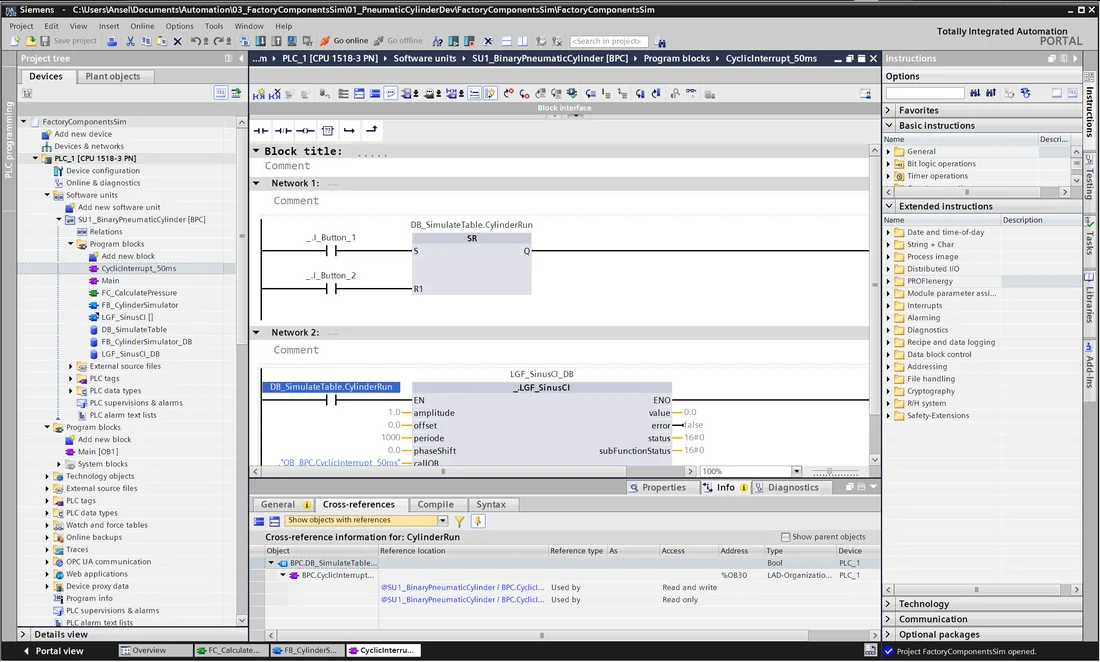
TIA Portal block with its cross-reference list

Project comprehension

Blocks exported, cross-references rebuilt, program sections translated, drawings indexed — so the agent knows how the project fits together, and answers questions based on necessary context.
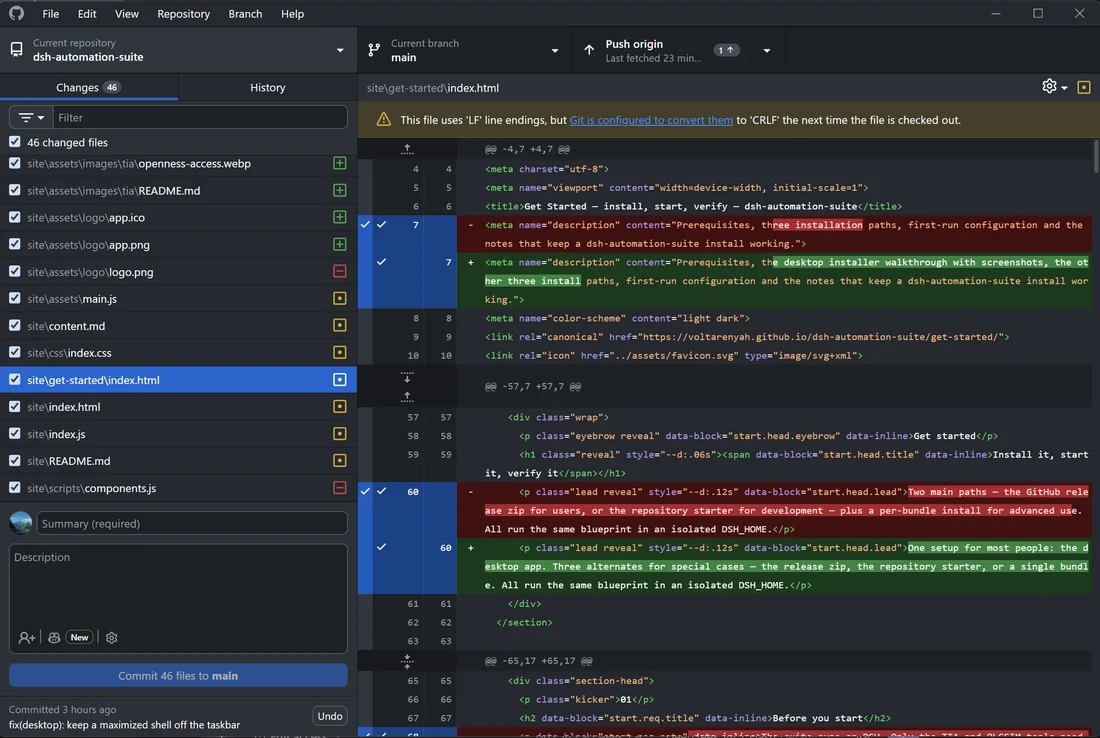
Git client listing the changed files and the diff

Version control

Block fingerprints show which blocks actually changed. The agent reads that against the change context and makes the commit for you, keeping the version history continuous instead of a pile of binary files.
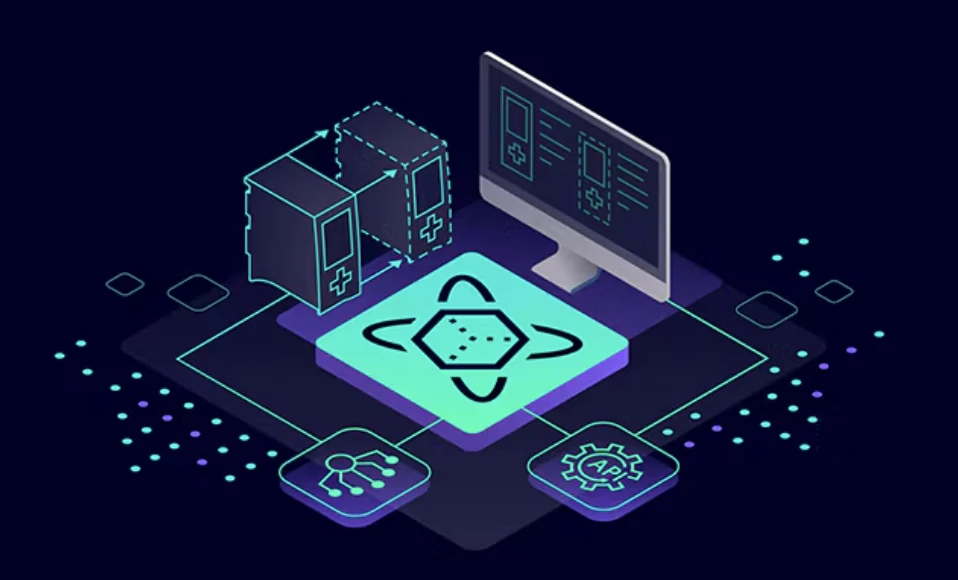
Illustration of a simulation hub connected to servers, a workstation and devices

Simulation

PLCSIM Advanced is wired in through its API 4.0 — power on and off, download, tag read and write, snapshot and restore — so the agent can exercise the program and judge how it really behaves, not only what the source says.

Also in reach Electrical drawings Change history Technical docs Hardware config Installed skills

The wider engineering context

A PLC project is more than its program. Once the drawings, change history, documents and hardware around it are in reach, the agent works from the project's real background — and can answer how things came to be, not only what the code says today.

What ships today

Six families, one profile. Statuses follow the repository roadmap — nothing planned is presented as shipped.

See the components

FAQ

Is this an official DeepSeek or Siemens product?

No. It is an unofficial DeepSeek Harness distribution plus our own TIA and engineering plugins. DeepSeek, Siemens and TIA Portal are named for reference only; the MIT license covers this repository, and TIA Portal / PLCSIM licensing stays with you.

What do I need to run it?

Windows 10/11 x64 and DeepSeek Harness — the desktop setup fetches DSH if it is missing. The TIA tools need TIA Portal V17 with Openness, simulation needs PLCSIM Advanced with API 4.0, and the knowledge graph needs .NET 8.

Does it write into my project on its own?

No. Reads are explicit calls; writes are tool calls with dry-run where it matters, run inside a TIA transaction and read back before they are reported as done. If verification fails, the transaction rolls back and the project is left as it was.

How are changes versioned?

The project source is exported to text and committed to Git. The Versions panel reads the last commits, lists per-block changes and their kind — interface, code, comments, properties — so a change is reviewable instead of a binary blob.

Does it need the cloud?

It runs locally: shell, plugins and the TIA controller are all on your machine. The only outbound traffic is the model API you configure, plus GitHub and download.deepseek.com while installing.

What is not there yet?

V18 support, hardware configuration, online & download, block comparison and cable/terminal drawings. The Roadmap page gives the honest status of each.

Install it and open a project

One setup, a private DSH home, no build step. The TIA tools are ready once Portal V17 is installed.